
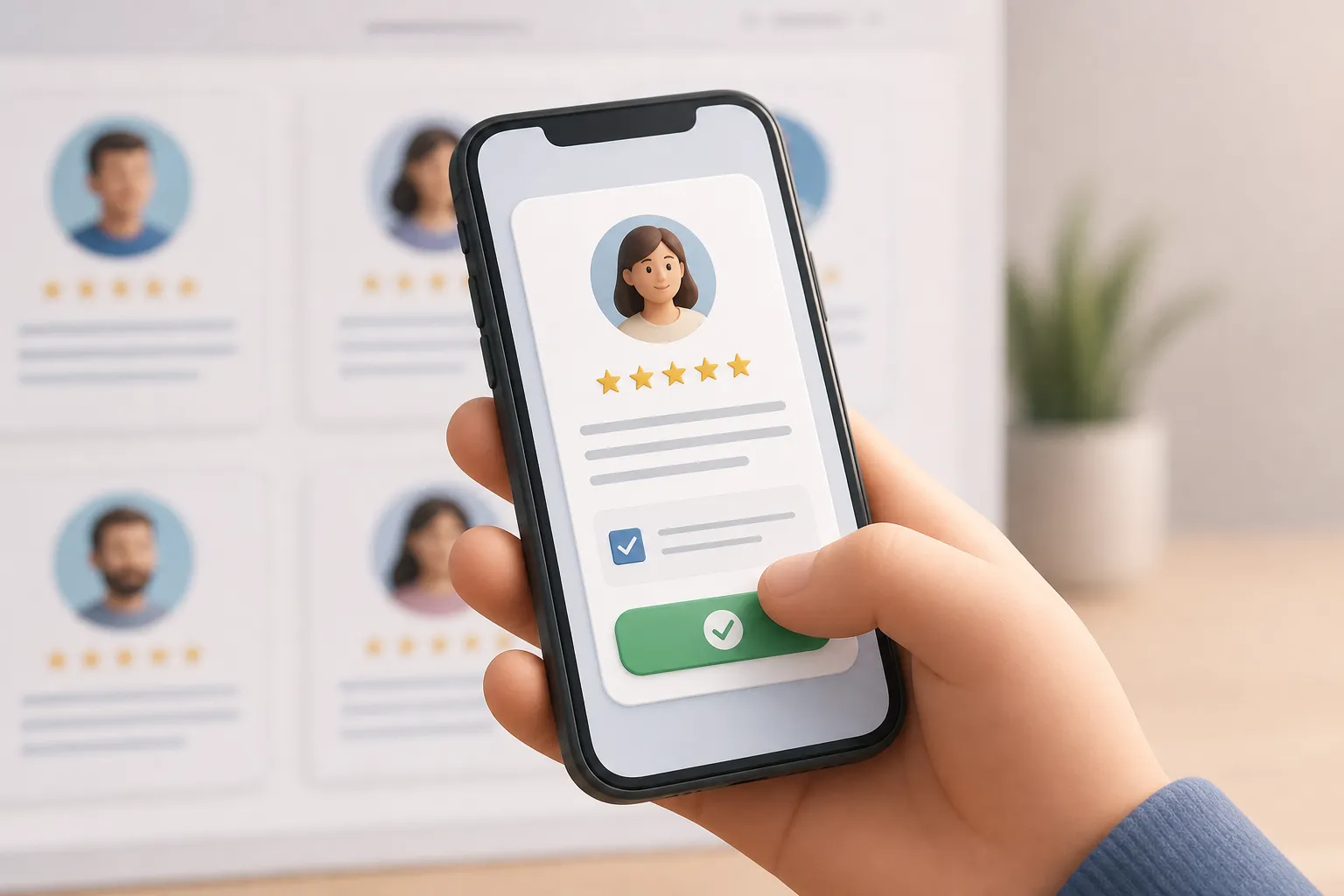
Great testimonials move deals. Sloppy consent creates risk. Here is a clean workflow to get both right, so you are never stuck digging through email threads, guessing what someone allowed, or yanking quotes at the worst time.
This process covers the ask, the form, consent capture, storage, publishing, and what to do when someone wants a change. You will also see how Proofling keeps the whole flow private until you approve and publishes to a hosted Wall without extra CMS work.
Get clear, valid consent
Consent is a specific yes to a specific use. Keep it obvious and easy to withdraw. A strong baseline works across most regions.
- Plain words, no tricks. Say what you want, where it may appear, and how long you plan to use it. Avoid pre-checked boxes.
- Defined placements. List the surfaces you use: website, social, ads, sales emails, decks, and a public Wall of Proof.
- Real buyer context. Tie the quote or video to a person and purchase context. Capture name, role, company, and, if helpful, product or plan.
- Affirmative action. A checkbox or submit action that explicitly says they agree to the stated use.
- Right to withdraw or revise. Tell them how to contact you to change or remove it later.
- Durable records. Keep a log of who said yes, exactly what they saw, and what they approved.
Sample consent line you can adapt:
“I agree that [Company] may use my testimonial (text or video) with my name, role, company, and logo on its website, social channels, ads, sales emails, and printed materials. I understand I can request edits or withdrawal anytime by emailing support@[company].com.”
Proofling attaches this consent to each submission and keeps the exact consent text, timestamp, and approved asset together. You approve in private before anything goes live.
Design the ask and the private form
Write a short, honest ask
Keep it warm, specific, and quick to answer or decline. Three to five sentences is enough. Mention time, where it will appear, and the private link.
Copy you can tweak:
Subject: Quick story about your experience?
Body: Thanks again for choosing us. Could you share a short quote or a quick video about your experience with [product]? It takes about 2 minutes. With your OK, we may feature it on our website, sales emails, and our public Wall. If that works, use this private link. If not, no problem at all.
Proofling sends this in your name automatically, follows up once a few days later, then stops. If an address bounces or someone complains, sending pauses to protect your list.
Keep collection link-only and spam-resistant
Use a private link. Do not put a public form on your site. Proofling stores nothing about your customers until they submit, which cuts spam and keeps you on the right side of privacy rules.
Offer both written and video paths so people can choose what is easiest.
- Written: Ask for a headline quote and a 2–4 sentence story. Capture name, role, company, and optional headshot or logo.
- Video: Give simple prompts: problem, what changed, result. Keep it under 90 seconds. Proofling auto-captions for clarity and accessibility and can store up to 100 ready video testimonials per workspace. Items pending permanent deletion count toward the cap until cleared.
Choose delivery: paste a list or trigger from Stripe
Send requests by pasting a CSV of contacts or connect Stripe with a restricted, read-only key. With Stripe Connect, Proofling can trigger asks after clear events, like first successful charge or trial conversion. Useful tactics:
- Filter by plan or MRR. Ask only buyers on target plans or above a revenue threshold.
- Throttle and space sends. Cap daily volume and exclude anyone contacted in the last 90 days.
- Auto-dedupe. Match on email or Stripe customer ID to avoid repeats.
Card data stays in Stripe. Proofling sends one personal ask and one nudge, then stops.
Keep proof you can defend
Collecting consent is step one. Keeping a paper trail is what saves you later with a buyer, your legal team, or a regulator.
- Link every asset to a person and event. Store the quote or video, the person’s details, when they submitted, and which consent text they saw.
- Record the environment. Log timestamp with timezone, IP, and user agent. Save the exact consent copy version and your prompt text.
- Track edits. If you trim a sentence or correct a typo, note the change and re-approve with the customer when the meaning changes.
- Export routinely. Do not trap proof in one vendor. Proofling exports testimonials, customers, and consent records anytime, plus AI-readable proof.json and proof.md. Put monthly exports in your cloud storage and mirror to a second location.
- Control removal fast. One-click customer deletion in Proofling helps you honor requests. You can export first for internal records, then remove.
Handle revocations and revisions without drama
- Verify identity. Match the requestor to your consent record by email or account ID. If needed, ask them to reply from a company domain.
- Unpublish first. Take it down quickly, then resolve details. In Proofling nothing goes live without approval, and you can pull any item fast.
- Offer edits when suitable. Many requests are small: title change, logo swap, or removing a metric. Get a fresh yes on the edited version.
- Fully delete on request. Use one-click deletion and confirm in writing what you removed and where. Keep that thread alongside your export.
Publish with context and approvals
A good publishing flow keeps standards high and makes each quote more useful.
- Approve before public. Proofling defaults to private. One-tap approve what is strong and archive the rest.
- Publish to a Wall of Proof. Use the hosted wall that fills as you approve. Embed it on your site so you always have a fresh page without CMS edits.
- Label the source. Use verified-buyer badges tied to the consent record. Add simple source labels like “Post-purchase survey, Jan 2026.” Skip gimmicky star graphics.
- Include buyer context. Add role, company, and product tier when allowed. Context beats star ratings.
- Share single items. For sales threads, use signed share pages for clean links that show only the relevant testimonial.
Once you have permission, repurpose approved quotes for short social clips. A Faceless TikTok video maker can turn a short text quote and your brand kit into a captioned reel with visuals, voiceover, and an MP4 you can post. Keep the quote intact and attribute the buyer as approved.
Key takeaways
- State the use in plain language, get an explicit yes, and tie it to a real buyer context.
- Use a private, link-only form. Offer written or video replies and auto-caption video under 90 seconds.
- Trigger asks from Stripe or a pasted list, with filters, throttling, and bounce and complaint protection.
- Keep exportable records. Log consent text, timestamps, and edits. Back up proof.json and proof.md on a schedule.
- Publish only after approval with honest source labels and buyer context. Unpublish first when someone asks for a change.
Putting it all together in Proofling is straightforward: paste contacts or connect Stripe, send one personal ask and one nudge, collect written or guided video replies in private, approve the best, and publish to a hosted Wall you can embed. At every step, consent lives next to the asset and the buyer record, exports are one click away, and removals are fast when you need them.